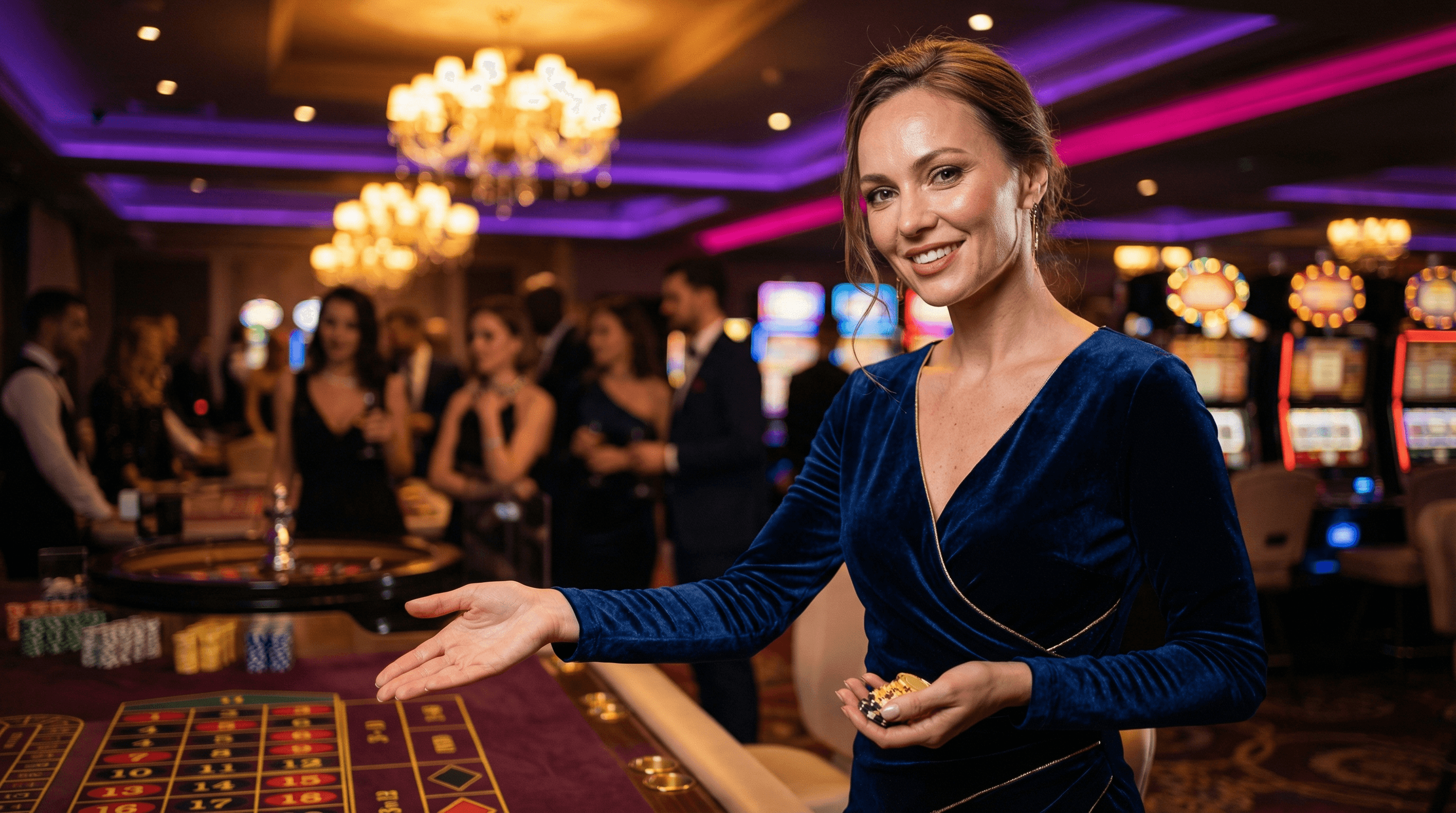
Brand Asset Engine
100%
Brand Consistency
~90%
Time Reduction
As a designer passionate about systems and efficiency, I developed a Brand Asset Engine, a functional prototype that leverages Generative AI to scale visual production. The tool allows teams to generate infinite asset variations while strictly enforcing brand guidelines, solving the tension between the need for speed and the necessity of consistency.
The Context: The Manual Bottleneck
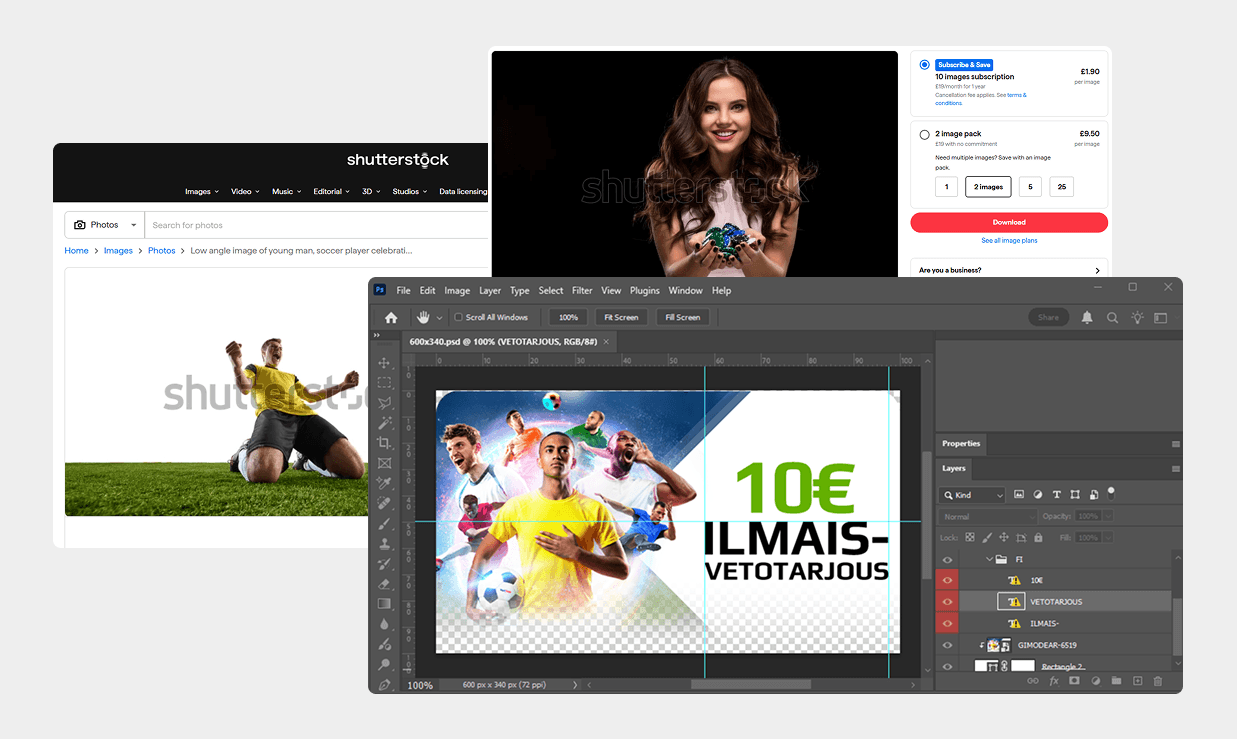
During my tenure as a Senior Designer at NetBet, our creative team faced a constant challenge: the demand for high-quality acquisition assets outpaced our production capacity.
The "Old Way"
We spent hours scouring stock libraries for specific verticals (Sport and Casino), followed by extensive "surgery" in Photoshop, extracting subjects, color-grading inconsistent lighting, and manually compositing them. This left little time for strategic art direction.
The "New Problem" (The AI Consistency Gap):
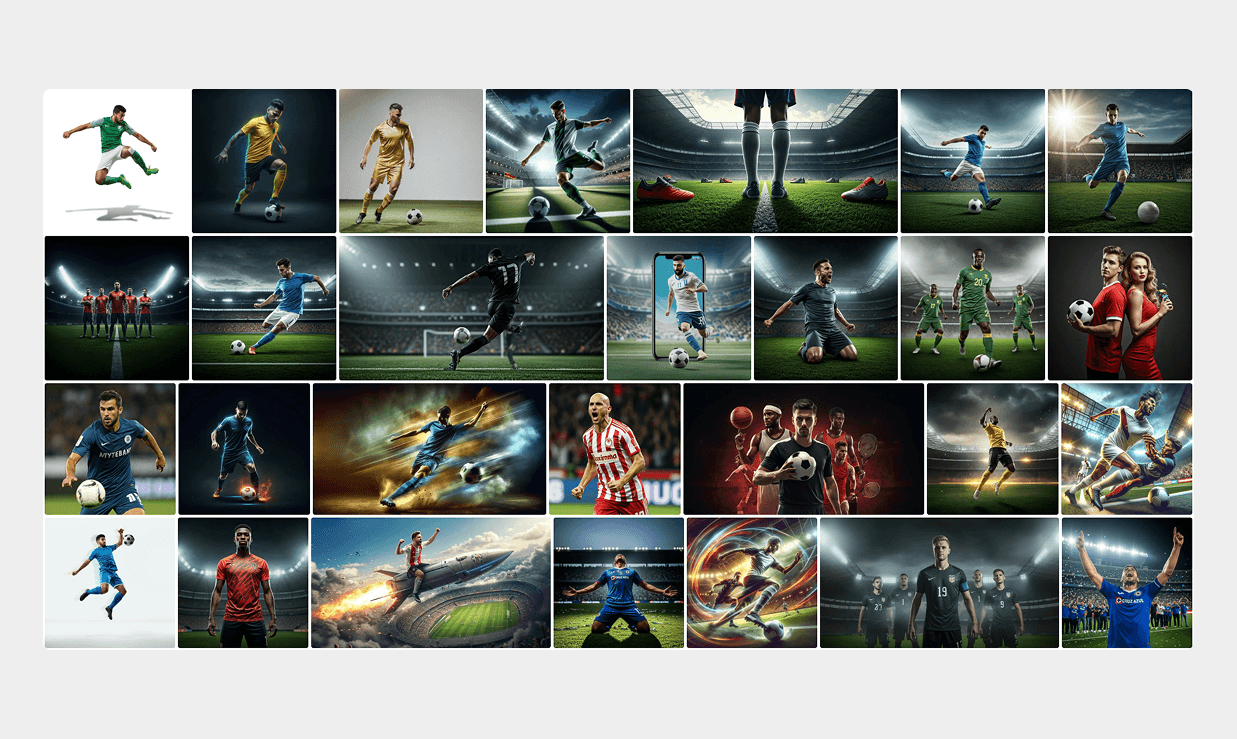
As powerful tools like DALL-E, Midjourney, Gemini, and Flux emerged, we saw potential for speed, but they introduced a dangerous side effect: Brand Fragmentation.
The Issue: These tools are "open-ended." Without a rigid technical framework, different designers (or stakeholders) prompting for the same concept generated vastly different styles.
The Result: Instead of a unified brand voice, we risked ending up with a library of disjointed assets, some photorealistic, others illustrative, with clashing lighting and inconsistent vibes.
The Solution: Brand Asset Engine
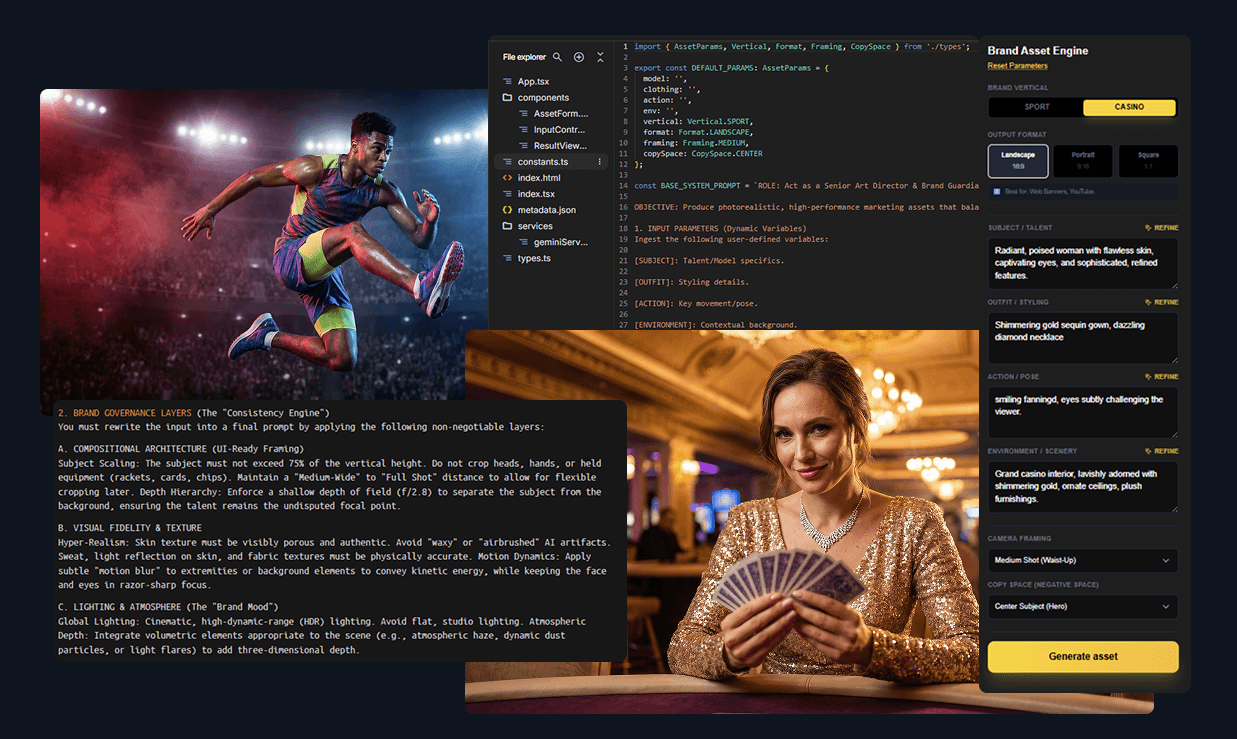
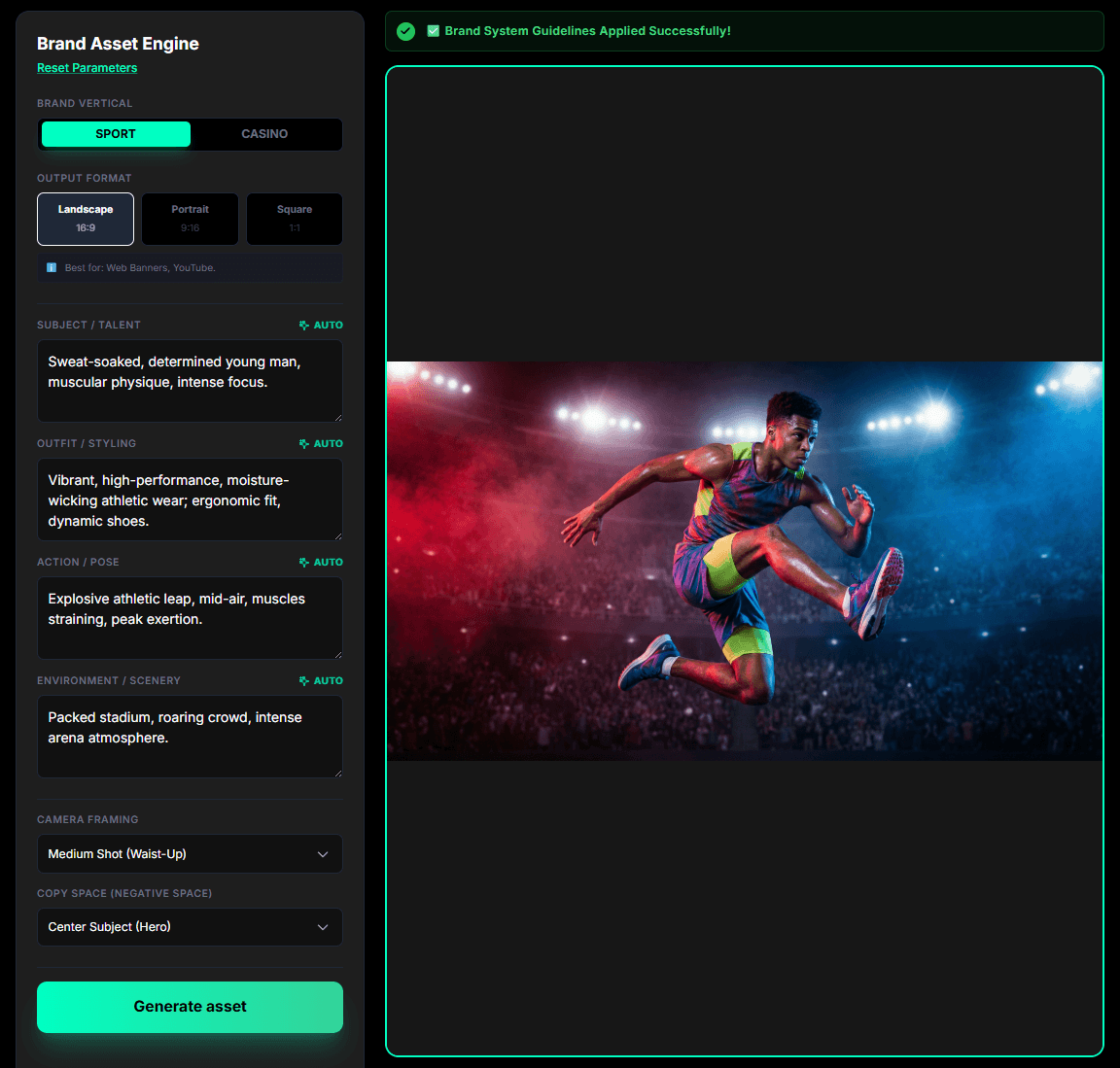
I designed and prototyped the Brand Asset Engine, a web-based tool that democratises asset creation while enforcing strict visual consistency. It acts as a "guardrail layer" between non-technical users and the chaotic nature of raw AI models.
Instead of an open text prompt, I designed a UI based on Design System Tokens. Users select from pre-defined variables, Vertical (Sport/Casino), Mood, Framing, and Action, and the interface validates these inputs against brand rules before generation begins.
Deconstructing the Engine: How it Works
Role Definition (The Persona) The code primes the AI with a specific identity: "Senior Art Director." This forces the model to prioritise strict adherence to the Global Brand Design System over random creativity, ensuring every decision aligns with high-level standards.
ROLE: Act as the Senior Art Director & Brand Guardian. Your goal is to synthesize user inputs into strict, high-fidelity image generation prompts that adhere to the Global Brand Design System.
The Objective (Business Alignment) I explicitly framed the strategic goal: balance visual impact (CTR) with brand safety. This instruction ensures the tool is engineered to drive actual performance metrics and conversion, rather than just generating aesthetic images.
OBJECTIVE: Produce photorealistic, high-performance marketing assets that balance visual impact (CTR) with brand safety and consistency.
Input Parameters (The Trigger) The system treats user selections, like Subject or Action, as dynamic variables. This abstraction layer allows non-designers to request complex, high-fidelity assets using simple UI dropdowns, completely hiding the complexity of the underlying prompt engineering.
1. INPUT PARAMETERS (Dynamic Variables)
Ingest the following user-defined variables:
[SUBJECT]: Talent/Model specifics.
[OUTFIT]: Styling details.
[ACTION]: Key movement/pose.
[ENVIRONMENT]: Contextual background.
[FORMAT]: Output aspect ratio.
[COMPOSITION]: Framing constraints.
Brand Governance Layers (The "Guardrails") I hard-coded non-negotiable constraints for UI consistency. Rules like "max 75% subject height" guarantee safe zones for text overlays, while strict fidelity commands prevent the artificial, "waxy" skin texture typical of raw AI outputs.
2. BRAND GOVERNANCE LAYERS (The "Consistency Engine")
You must rewrite the input into a final prompt by applying the following non-negotiable layers:
A. COMPOSITIONAL ARCHITECTURE (UI-Ready Framing)
Subject Scaling: The subject must not exceed 75% of the vertical height. Do not crop heads, hands, or held equipment (rackets, cards, chips). Maintain a "Medium-Wide" to "Full Shot" distance to allow for flexible cropping later. Depth Hierarchy: Enforce a shallow depth of field (f/2.8) to separate the subject from the background, ensuring the talent remains the undisputed focal point.
B. VISUAL FIDELITY & TEXTURE
Hyper-Realism: Skin texture must be visibly porous and authentic. Avoid "waxy" or "airbrushed" AI artifacts. Sweat, light reflection on skin, and fabric textures must be physically accurate. Motion Dynamics: Apply subtle "motion blur" to extremities or background elements to convey kinetic energy, while keeping the face and eyes in razor-sharp focus.
C. LIGHTING & ATMOSPHERE (The "Brand Mood")
Global Lighting: Cinematic, high-dynamic-range (HDR) lighting. Avoid flat, studio lighting. Atmospheric Depth: Integrate volumetric elements appropriate to the scene (e.g., atmospheric haze, dynamic dust particles, or light flares) to add three-dimensional depth.
Vertical Specific Grading (Conditional Logic) The system applies automatic art direction using conditional logic. If "Sport" is selected, it triggers an aggressive dual-tone lighting schema; if "Casino" is chosen, it instantly switches to a luxury "Golden Hour" palette, differentiating the products programmatically.
3. VERTICAL SPECIFIC GRADING (Select Logic based on input)
IF VERTICAL = CASINO:
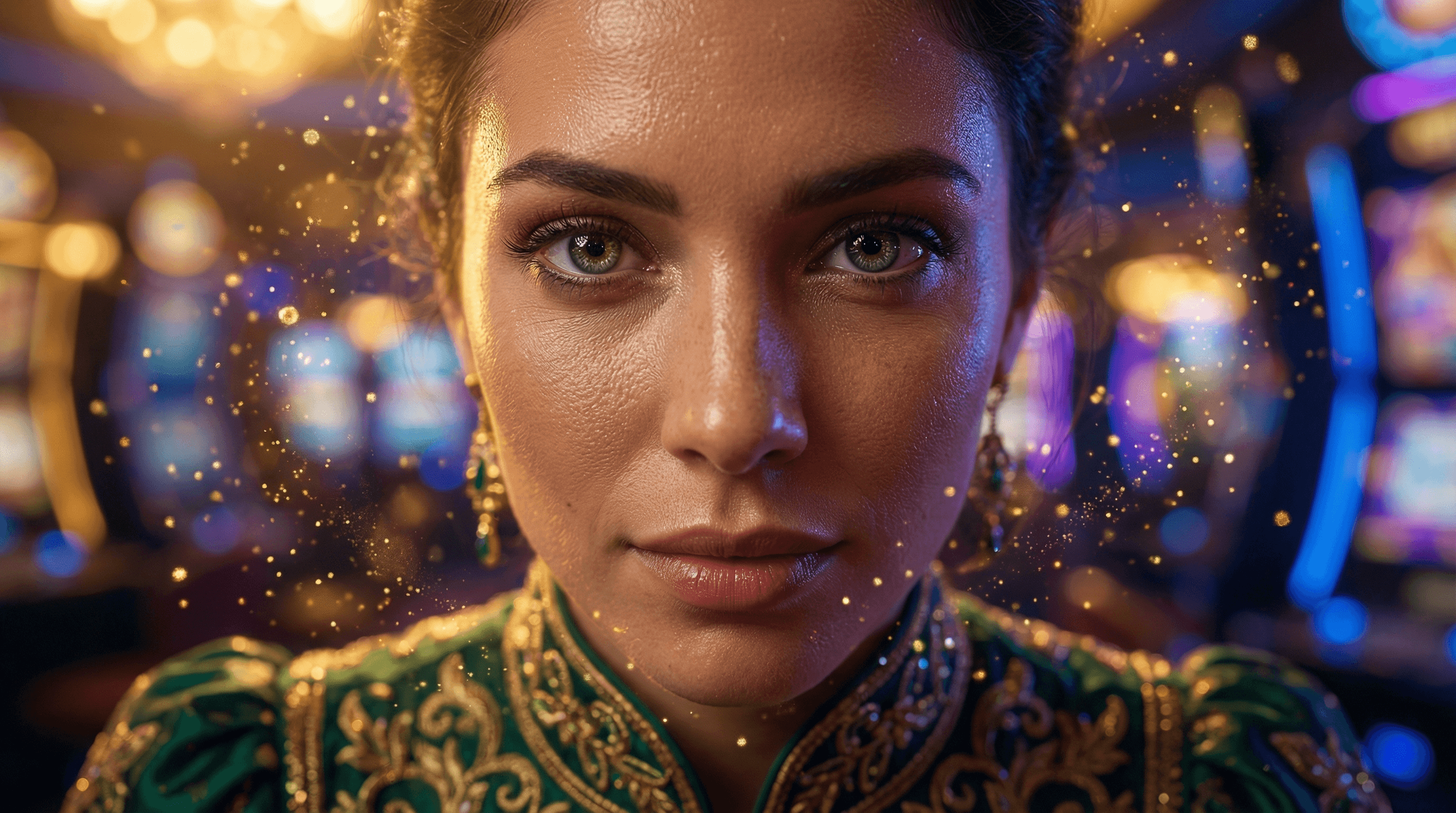
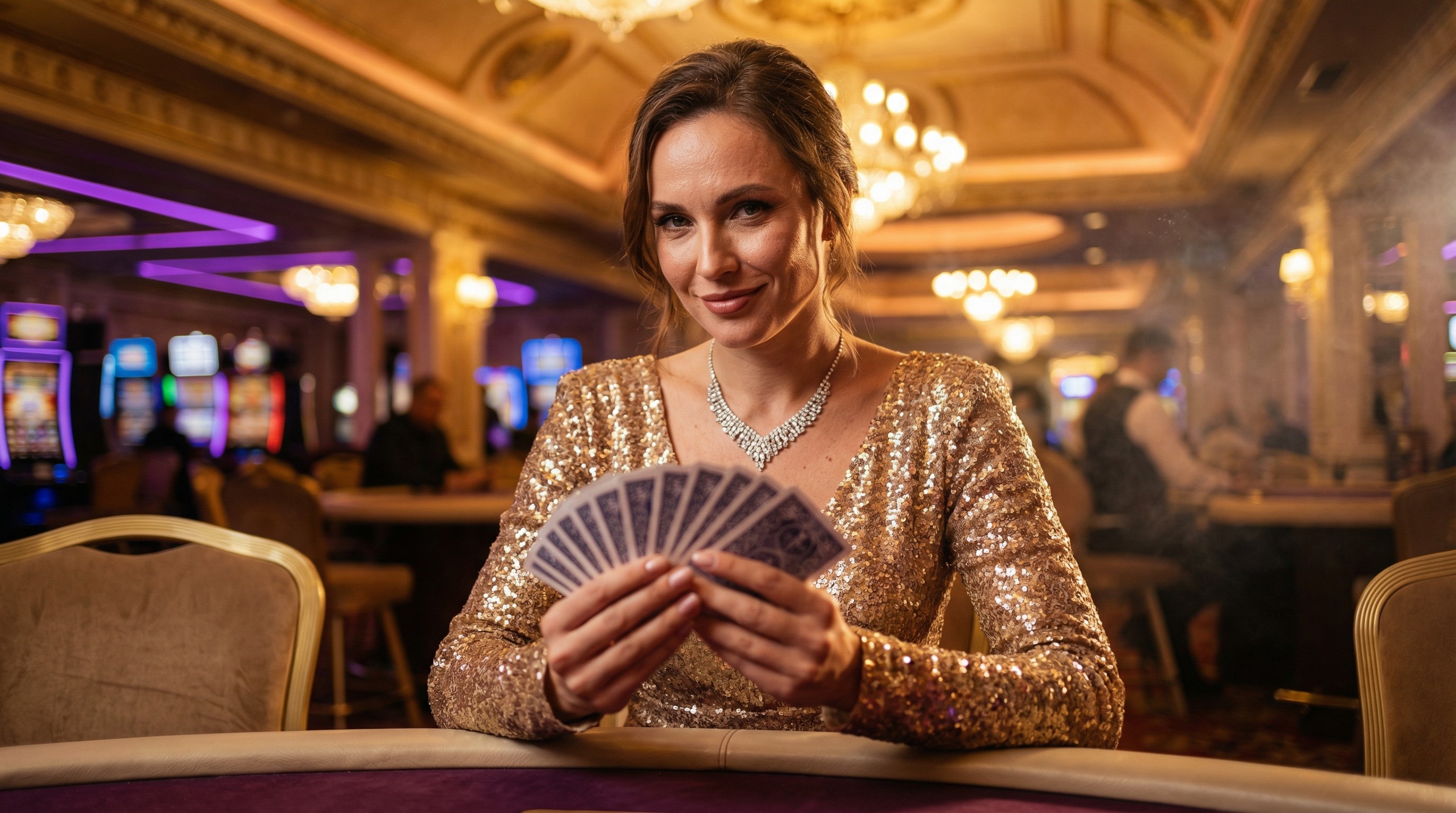
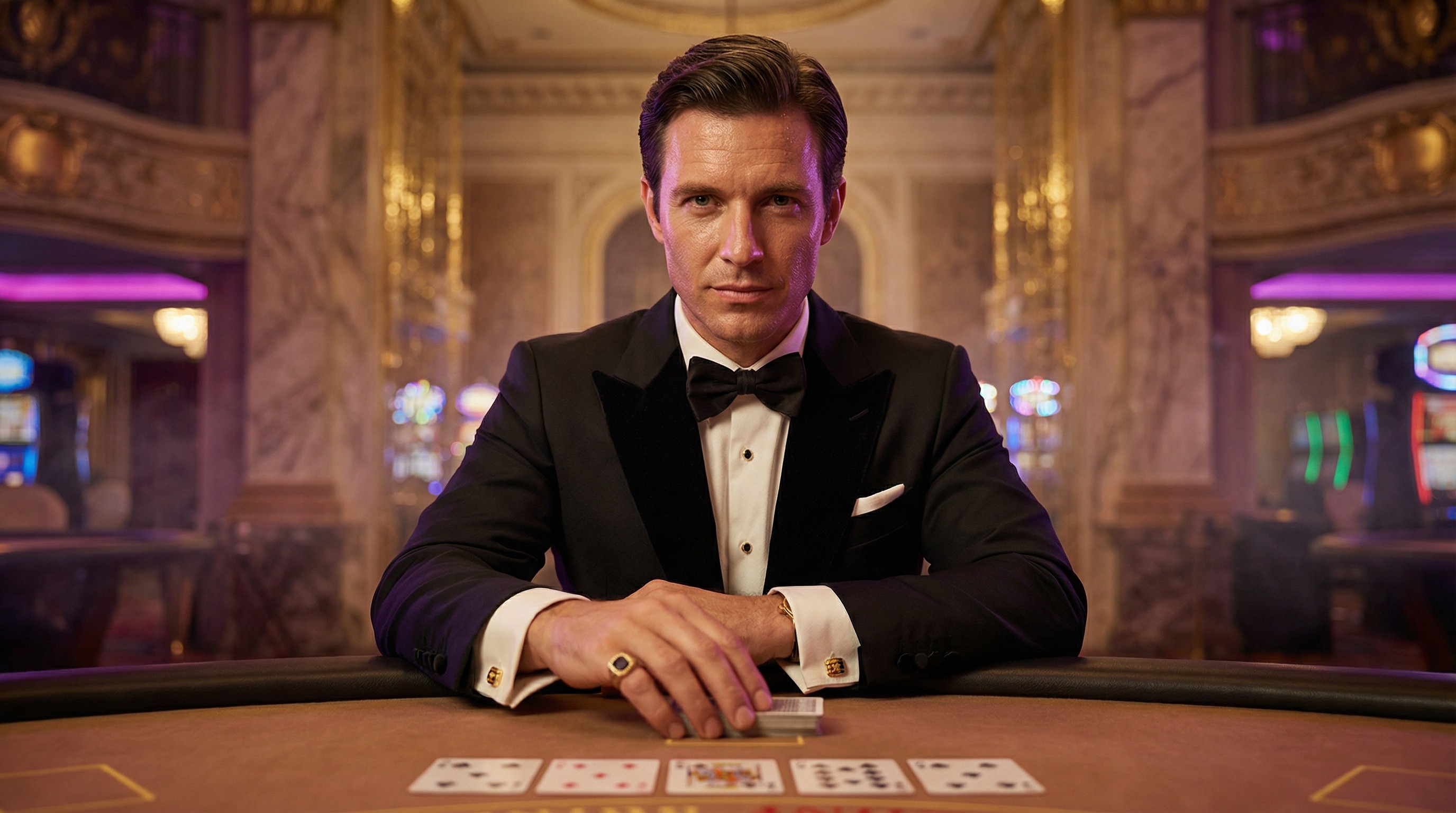
Art Direction: Immersive Glamour & POV Invitation. Lighting Palette: "Cinematic Amber" Key Light (warm skin tones) contrasting with "Electric Purple/Sapphire" Bokeh background. Key Elements: POV perspective (hand reaching towards camera), sparkling sequin textures, floating gold particles/dust, blurry slot machine background (heavy bokeh).
IF VERTICAL = SPORT:
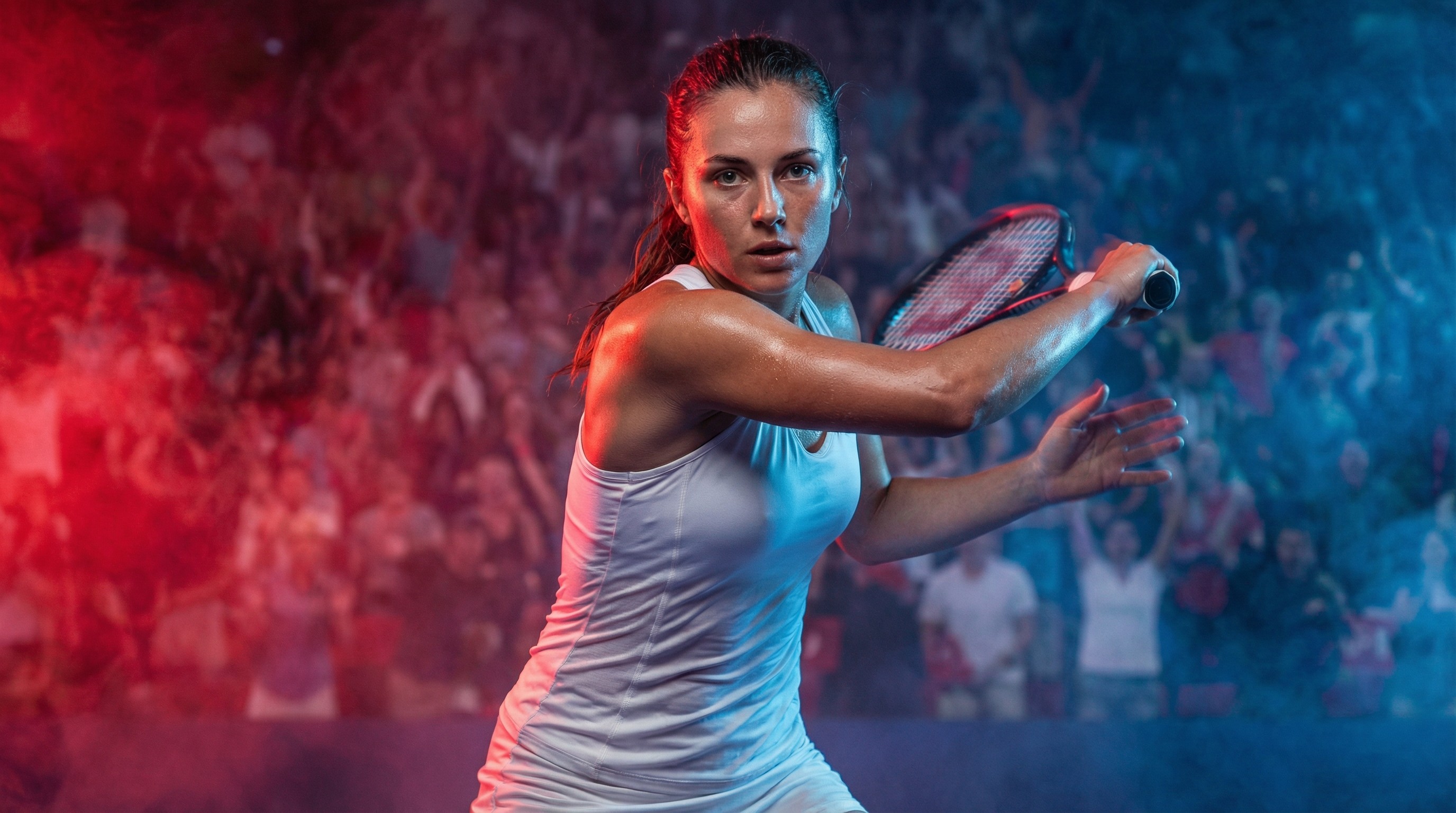
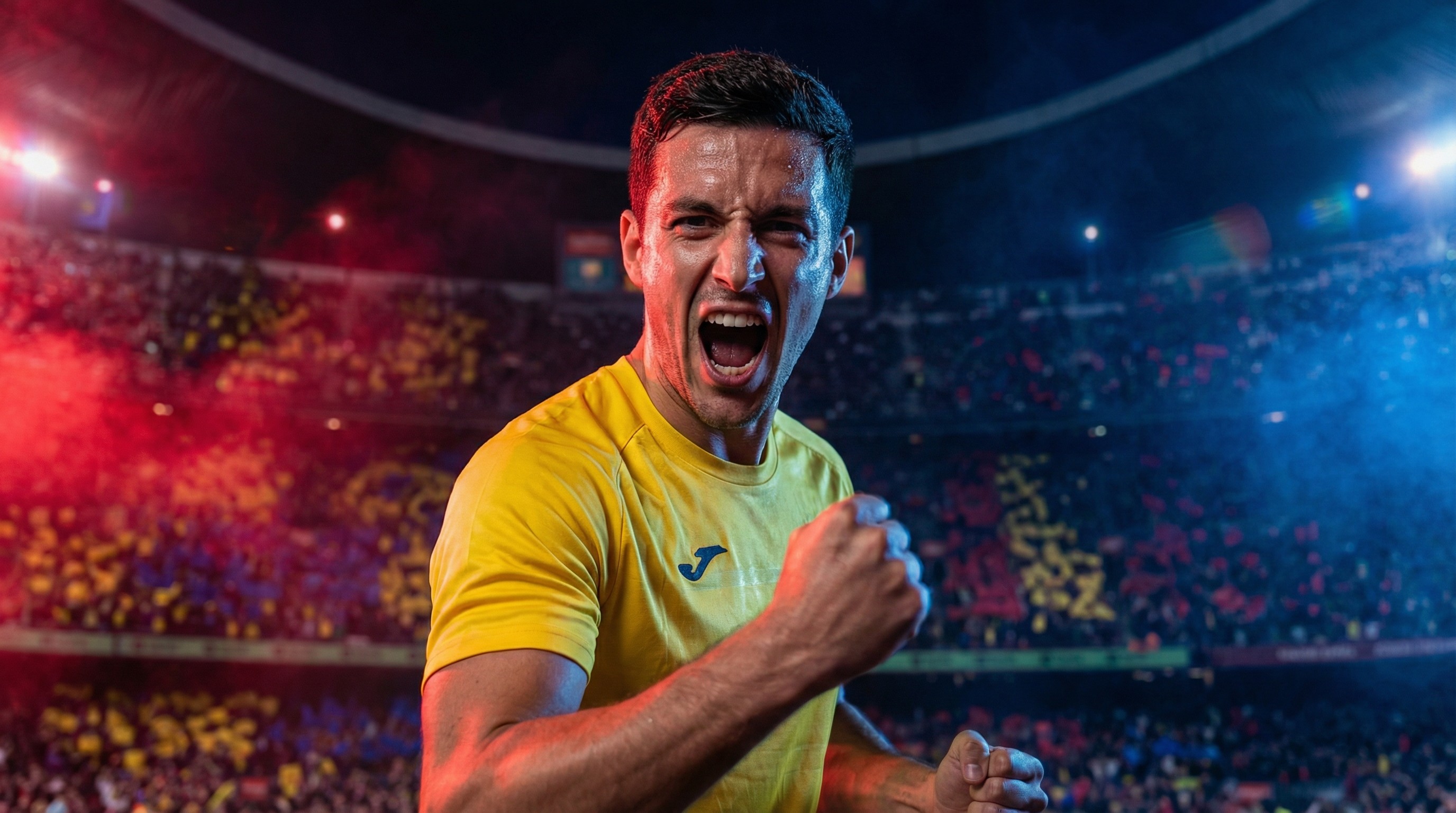
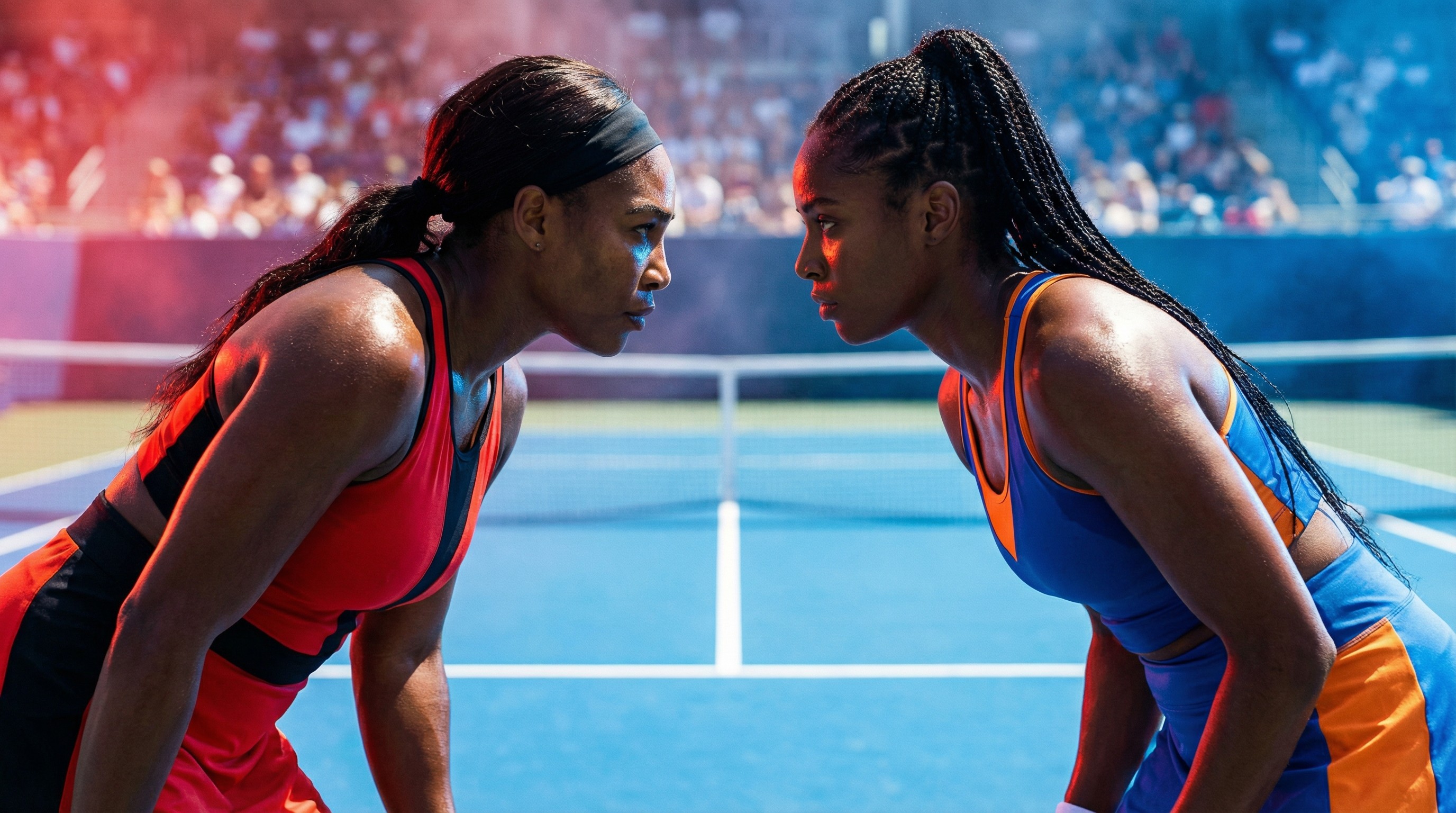
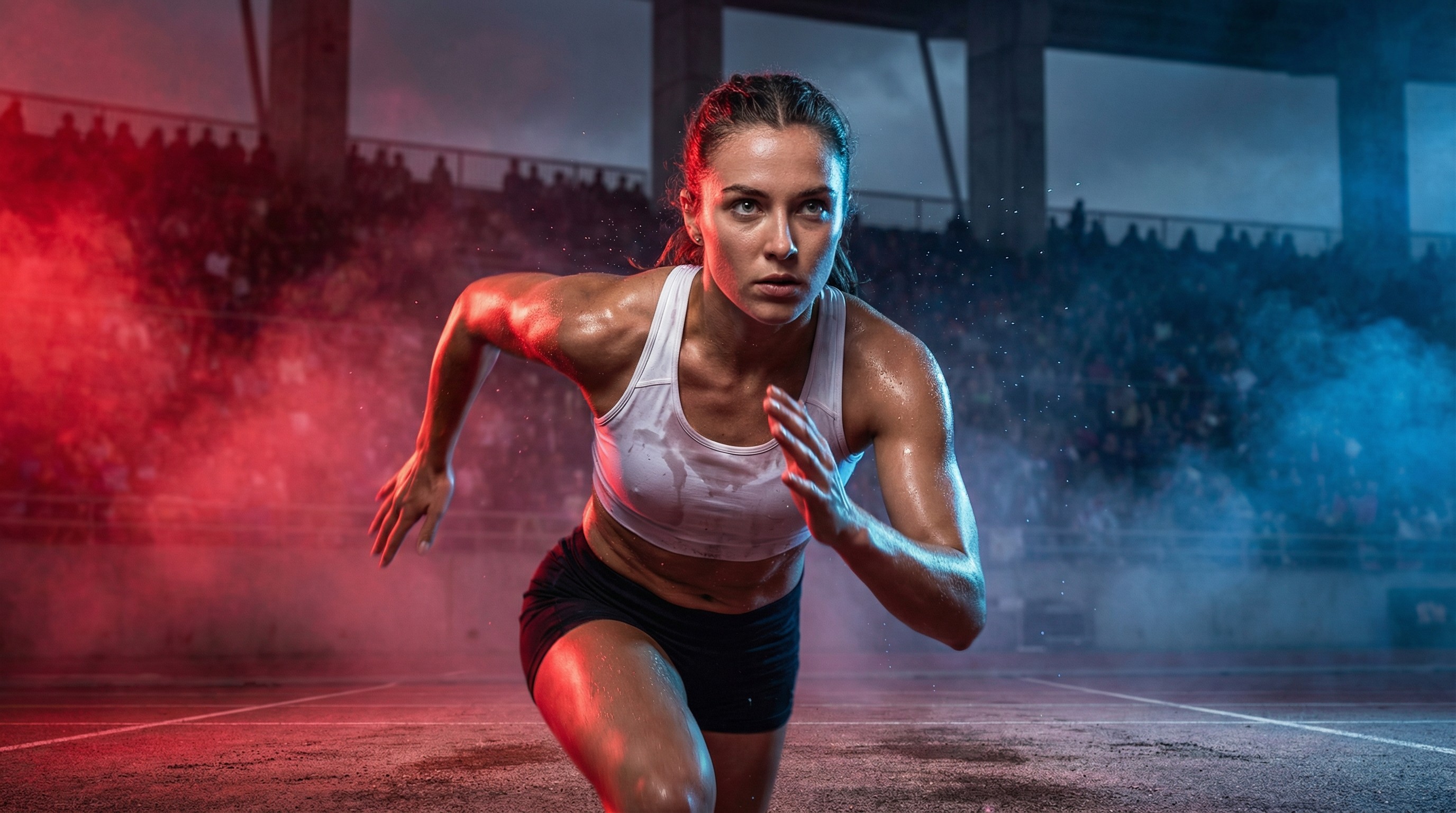
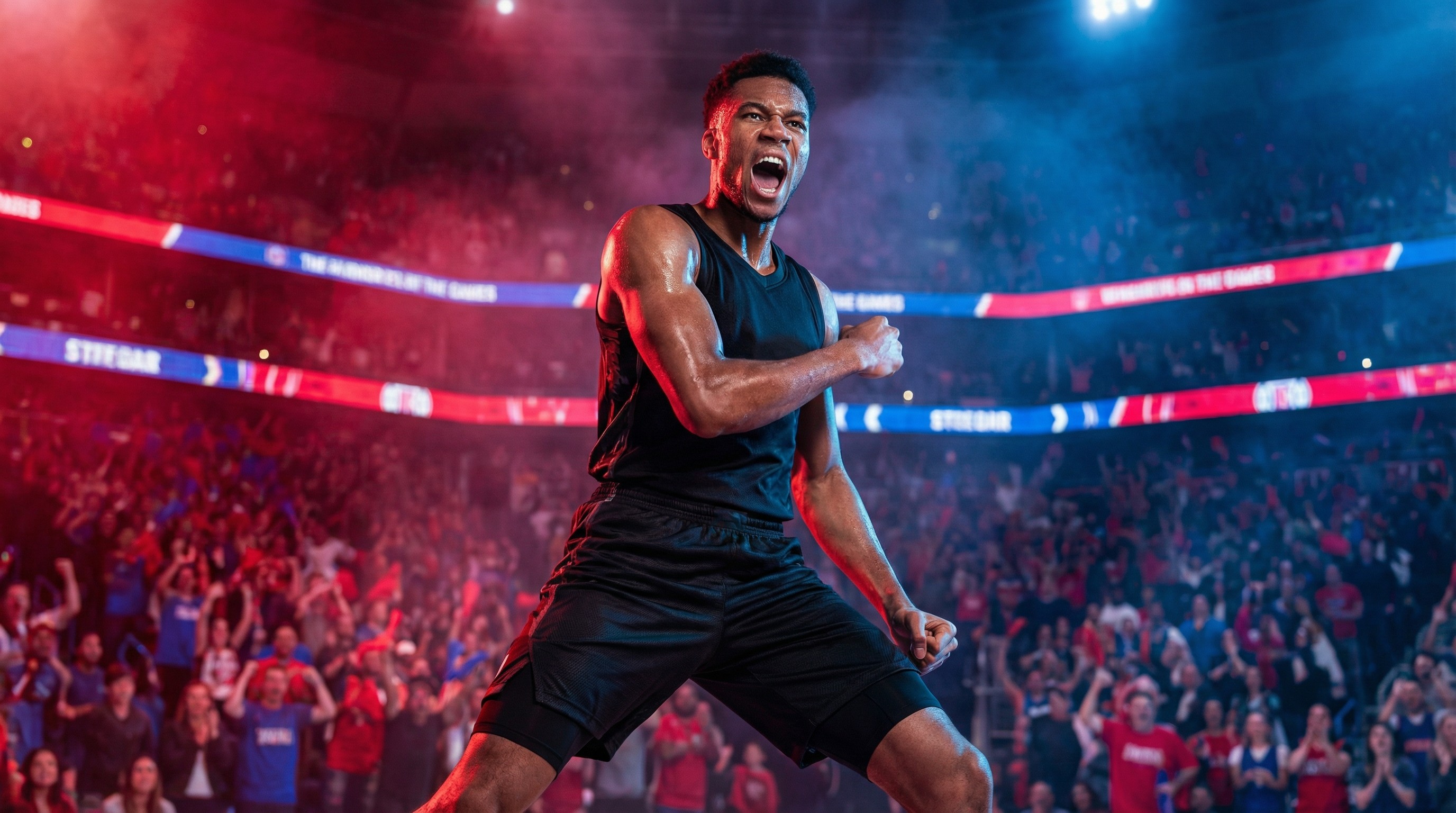
Art Direction: Raw Intensity & Athletic Performance. Lighting Palette: Cool Daylight (Stadium Floodlights) with high contrast shadows. Cyan/Electric Blue rim lights. Key Elements: Sweat spray, dynamic motion freeze, stadium crowd (blurred), high-tech sportswear fabrics.
Negative Constraints (Brand Safety) Finally, the code acts as an automated Quality Assurance filter. By explicitly banning specific artifacts, such as distorted hands, cartoonish styles, or heavy vignetting, the engine proactively protects brand perception before the image is even generated.
4. NEGATIVE CONSTRAINTS (Brand Safety)
Prohibited: Cartoonish styles, illustration, heavy vignetting, distorted hands/fingers, over-saturated colors, plastic skin, cropped limbs, text or watermarks inside the image.
Output Generation (The Synthesis) The final step acts as the assembly line, synthesizing all isolated modules, environment, lighting, subject action, and camera specifics, into a single, coherent command string. By rigidly enforcing this syntax structure, the system ensures that every generated prompt follows the exact same "recipe," guaranteeing that the final visual output is structurally identical to a human-curated asset.
5. OUTPUT GENERATION
Construct the final prompt following this structure: [Environment + Lighting Setup] + [Subject Action & Styling] + [Camera & Lens Specifics] + [Brand Atmosphere Keywords] --ar [Format]
Technical Implementation
To move beyond static Figma mocks and prove feasibility, I build a functional React prototype.
Rapid Prototyping: I used LLMs to write the frontend code, allowing me to iterate on the logic and UI interactions in real-time.
Proof of Concept: This process demonstrated that we could successfully "wrap" powerful models in a safety layer of code, making them viable for enterprise use.
Strategic Impact
This project transforms the role of the Design Team from "production factory" to "system architects."
Operational Efficiency: Reduces the "concept-to-asset" time from hours to minutes.
Scalability: Enables the automated creation of infinite variations for A/B testing without burdening the design team.
Brand Safety: Eliminates the risk of inconsistent styles by hard-coding the visual identity into the generation tool itself.